For furniture manufacturers
Furniture orders have a lot of options. Manual entry shouldn't be one of them.
Every dealer orders differently. Different formats, model numbers, fabrics, finishes and configurations. Zaqa matches what they send to your catalog and gets approved orders into your existing ERP.
No retyping. No new dealer portal. No ERP replacement.
 /Summit Office InteriorsPO-8841.pdf
Summit Office Interiors
1420 Technology Pkwy · Mechanicsburg, PA 17050 · Acct SUM-2048
Purchase order
PO-8841
November 13, 2026
Ship to: Hartford Corporate Offices, Hartford, CT 06103
Dealer ref: HCO 4th floor refresh
| Qty | Item / Configuration |
|---|---|
| 6 | ARC-410 Task Chair / Black Frame / Slate Upholstery / Grade 35-Star Base |
| 2 | CT-720 / 84x42 / Oak Laminate / Black BaseConference Table |
| 4 | GS-118 Guest Chair / Grade 2 Blue / Frame TBD |
Inside delivery. Call 24 hrs ahead.
Order draft · PO-8841 · Dealer SUM-2048
New01 · Dealer PO received
Real results · Global Furniture Group
- 31 → 2 min
- Hands-on order-entry time
- 7,200 orders
- Processed in the first 90 days
- 3,400+ hours
- Returned to the customer service team
Same IBM AS/400. No new dealer portal.
The reality of furniture order entry
One chair. A whole lot of details to get right.
A dealer orders six chairs. Sounds simple.
Until someone has to confirm the model, base, fabric grade, finish and every option that goes with them. Now multiply that by every line, every dealer, every day.
01
Every dealer has their own way of ordering.
One dealer sends OFDA XML. Another emails a PDF. Someone else sends a spreadsheet with their own product codes and descriptions.
Your team is the one translating it all.
Dealer A OFDA XML
<OrderLineItem>
  <ProductNumber>LC-310</ProductNumber>
  <Option code="FR">WAL</Option>
  <Option code="GR">3</Option>
  <Quantity>6</Quantity>
Dealer B PDF
6 EA LOUNGE CHR WAL FRM GR3 FAB
Dealer C Spreadsheet
Illustrative examples. Same chair, three dealers.
02
One wrong option can become a much bigger problem.
A missing fabric grade. The wrong base finish. An option combination that doesn't exist.
Your reps know what to look for, but checking every configuration takes time.
Line 1 · as the dealer wrote it
6 × LC-310 lounge chair, walnut, chrome base
- Model
- LC-310 Lounge Chair
- ✓ In catalog
- Frame finish
- Walnut
- ✓ Offered
- Fabric grade
- Not specified
- ! Missing
- Base
- Polished chrome
- ✕ Not offered with this frame
- Quantity
- 6
- ✓
Illustrative example.
03
Product experts shouldn't spend their days retyping.
Your experienced team knows the catalog, the dealers and the details that matter.
But too much of their day goes on reading POs, looking up part numbers and entering the same information into the ERP.
One order, by hand
- 1Read the dealer's PO
- 2Look up each model and option
- 3Check fabric, finish and base
- 4Key every line into the ERP
- 5Fix what didn't match
31 min
per order, on average, at Global Furniture Group before Zaqa
Your people should be helping dealers, not spending their day copying orders.
How Zaqa works
From dealer PO to ERP order. Without the rekeying.
Your dealers keep ordering the way they always have. Zaqa handles what happens next.
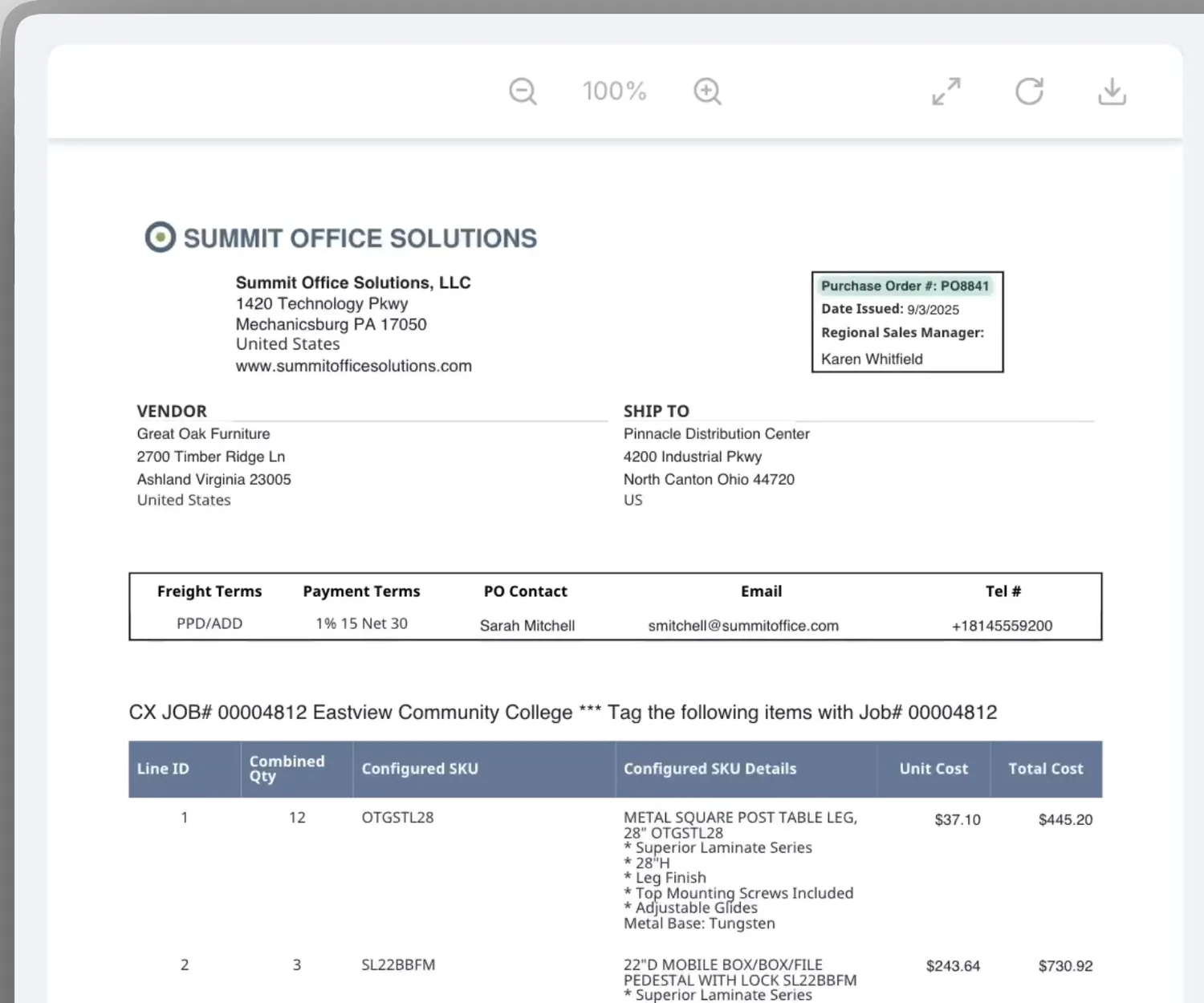
- Dealer
- Ship-to
- Model numbers
- Options
- Quantities
Same dealers. Same ERP. A lot less typing.
See Zaqa Work With Your Dealer POsBuilt around your business
You shouldn't have to change how you work to automate it.
Zaqa fits into the order desk you already have: the same dealers, the same ERP and the same people making the calls.
- 01
Keep your dealers' ordering process
No portal to log into, nothing new to learn. Dealers keep sending orders to the inbox they use today.
PDF · OFDA XML · spreadsheet · email
- 02
Keep the ERP you already rely on
Orders go into the system you run today. No migration project before you see results.
Global Furniture Group: still on its IBM AS/400
- 03
Work from your catalog and configurations
Your products, options and rules, not a generic document reader guessing at what a line means.
Model → frame → fabric grade → fabric → base
- 04
Keep people involved where it matters
Zaqa handles the repeatable steps. Your team settles the questions and approves the order.
Nothing enters the ERP until someone approves it
Customer story · Global Furniture Group
The same ERP. 29 minutes back on every order.
Global Furniture Group has more than six million SKUs, 23 customer service reps across five branches, and an IBM AS/400 ERP.
Their team knew their products and dealers. But every incoming purchase order still had to be read, checked and entered by hand.
Zaqa took on the repetitive parts of that work while their ERP stayed exactly where it was.
- Order entry cut from 31 minutes to about 2
- 7,200 orders in the first 90 days
- 3,400+ hours returned to the team
- No ERP replacement
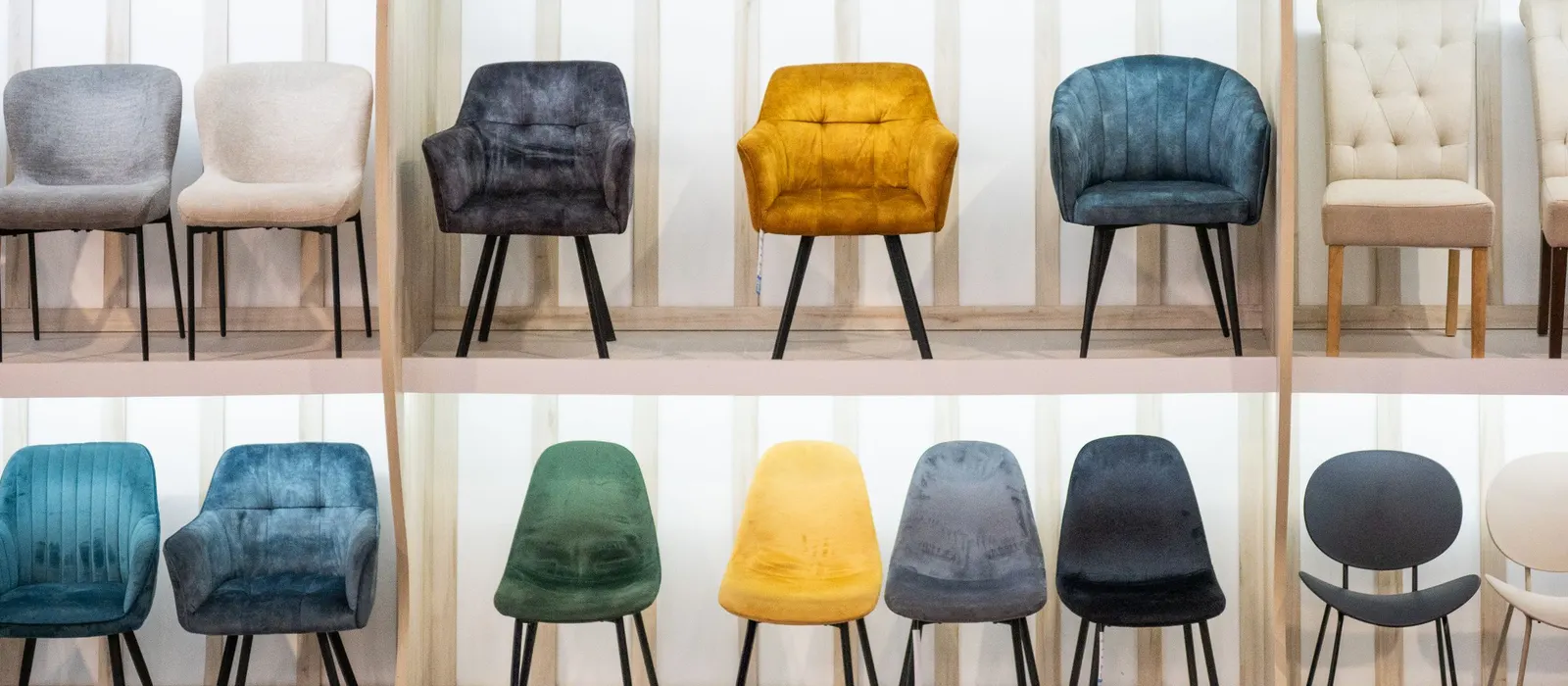
29 min
back on every order, from 31 minutes of hands-on work to about 2.
Common questions
Your orders aren't simple. Your questions shouldn't go unanswered.
Let's try your orders
Bring us your messiest dealer PO.
The one with the strange part numbers. The custom finishes. The fabric combinations your most experienced rep has to double-check.
Let's see what Zaqa can take off your team's plate.
Your dealers keep their process. You keep your ERP. Your team gets its time back.